Why is your website losing clients due to slow loading?
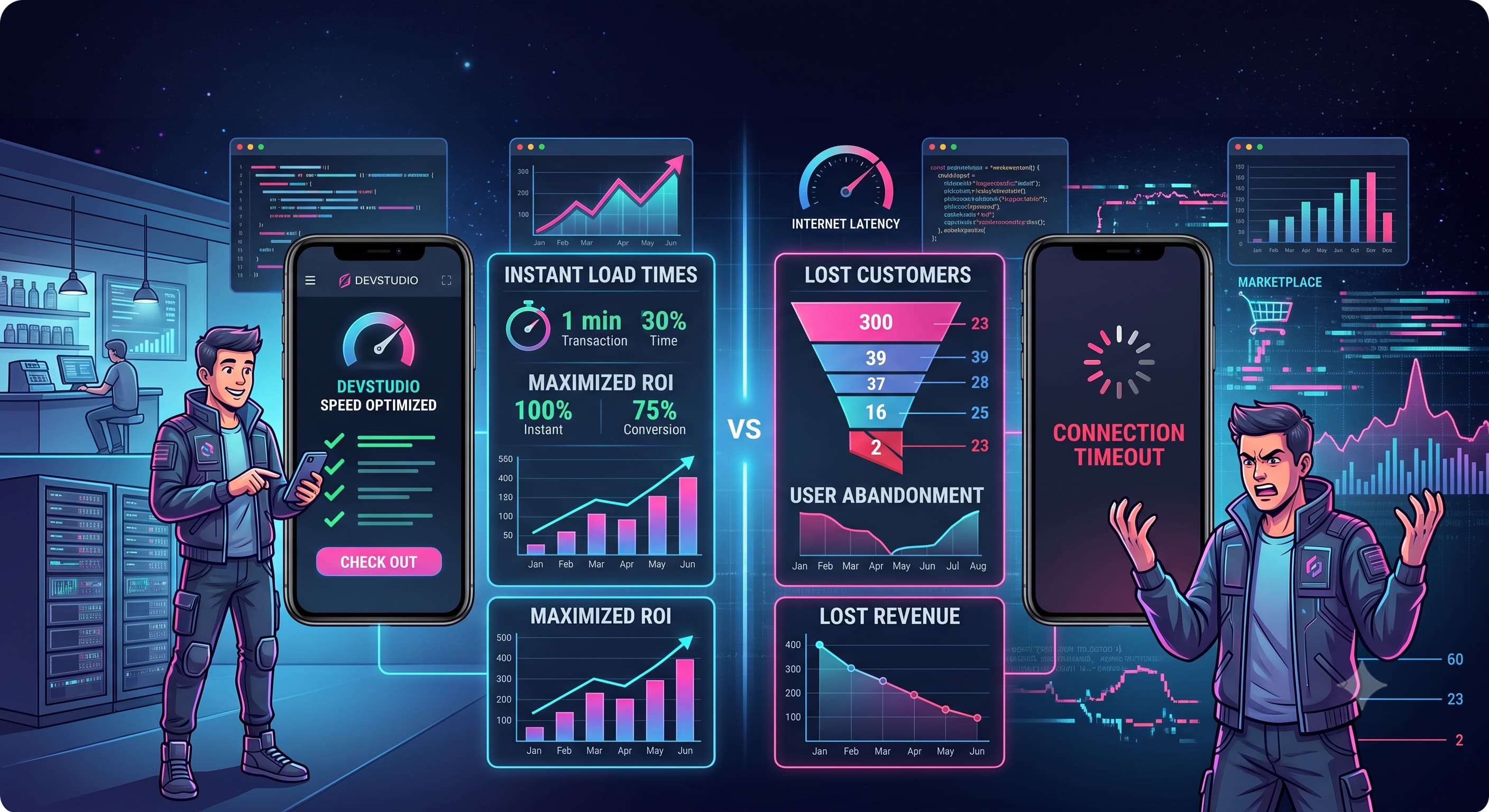
Modern users won't wait. If a website takes longer than 3 seconds to load, most potential clients simply close the tab and leave for a competitor who answered the same query faster. Slow performance isn't an abstract technical problem for developers to worry about — it's a direct loss of money, both on the ad budget you already paid per click and on the search rankings Google hands to faster sites. This article walks through the actual numbers, the causes, and a practical way to check exactly how much money you're losing right now.
How performance impacts your business bottom line
Every second of delay severely degrades conversion rates and user behavior metrics — and this isn't guesswork, it's the result of research from leading tech companies analyzing millions of real user sessions worldwide:
- Higher Bounce Rate: A delay of just 1-3 seconds increases the probability of a bounce by 32%.
- Drop in Conversions: Research indicates that every extra second of load time reduces conversions by 7%.
- Google Deprioritization: Core Web Vitals metrics are official ranking factors. Slow sites lose top positions.
- Loss of brand trust: A slow site subconsciously reads as an outdated or unreliable business, even when the offer itself is strong.
Main culprits behind poor site speed
Most performance issues aren't caused by one critical mistake, but by an accumulation of small ones — decisions that felt convenient at launch but don't scale as the site and its content grow:
- Uncompressed heavy images lacking modern formats (WebP/AVIF).
- Bloated site builders or legacy CMS frameworks with excessive script overhead.
- Lack of caching mechanisms and underpowered hosting servers.
- Mobile devices on weaker connections suffer the most — and that's exactly where most Facebook and Instagram ad traffic comes from.
- Third-party scripts (chat widgets, embeds, extra analytics tags), each adding its own request to the server and delaying the point where the page actually becomes interactive.
How to check your own site's speed
Before fixing anything, measure where you actually stand. The free Google PageSpeed Insights tool shows real Core Web Vitals scores for your site — on both mobile and desktop — plus a concrete list of what's slowing it down: heavy images, excess JavaScript, missing caching. For developers, the technical equivalent is Lighthouse, built into Chrome DevTools, which gives a more detailed breakdown of every stage of page rendering. The rule of thumb is simple: a Performance score under 50 out of 100 means a portion of your visitors are already leaving during load, before they've even seen what you're offering. Check more than just the homepage — check the pages your ads actually land on, since those are the ones most often overlooked while a business owner watches the speed of a polished but rarely-visited homepage.
What actually changes after moving to a faster stack
In practice, the difference shows up not just in Lighthouse numbers but in user behavior: a page with a First Contentful Paint under 1 second holds a visitor's attention far longer than one that 'assembles itself' in pieces over 4-5 seconds. For service businesses and e-commerce, that means fewer abandoned carts and fewer closed tabs before a person even sees your price or contact form. And since Core Web Vitals are an official Google ranking factor, the effect compounds: a faster site earns more organic traffic without extra ad spend, and that traffic converts better because it doesn't have time to get frustrated during load. The difference is most visible on average-quality mobile networks — that's where seconds of delay turn into real percentage points of lost visitors, not the barely-noticeable blip you'd see on the fast office Wi-Fi a business owner usually tests their own site on.
Speed and advertising: why it counts twice
If paid ads are driving traffic to your site, slow loading hits your wallet before a visitor has even seen the page. Google Ads factors landing page speed into your ad's Quality Score — the worse that score, the higher your cost per click in the exact same auction. A slow site doesn't just convert already-paid-for traffic worse — it makes every subsequent click more expensive. For a business already spending on Google Ads or Meta Ads, speed optimization isn't a separate technical nice-to-have; it's a direct extension of the advertising strategy that lowers the cost of acquiring a client at both stages of the funnel. The same principle applies in organic search: two sites with equally strong content can land in different positions on Google simply because one of them responds faster.
How to fix this issue once and for all
Spot fixes — compressing a few images, adding a caching layer on your hosting — give a temporary boost but don't solve the problem at the architectural level. Migrating to a modern development stack (Next.js with server-side rendering, SSR/SSG) solves these bottlenecks systematically: pages are assembled on the server and delivered to the browser already built, and image optimization and code splitting work out of the box instead of as a separate 'add-on' service. The result: pages load practically instantly, immediately driving higher ROI on marketing campaigns (fewer drop-offs during load) and boosting organic SEO rankings.
Ready to put this into practice?
Let's discuss your project and find the right solution for your business.